We have been using the Nintendo Wii U for a few days in our country, and we usually have some doubts about it. For example, how to transfer data from Wii to Wii U? Don’t worry , let’s get to it.
To begin with, it is recommended, if not mandatory, is to have both consoles updated to the latest version. With Wii U it is easy, because it takes a few days, although it has already undergone two updates, in the case of Wii it is version 4.3E. Both in one and the other we are going to have to download a program from the Wii Shop Channel. On the Wii, the Wii U Transfer program, while on the Wii U Wii Menu, the Wii Data Transfer program. So far no doubt, right? Well.
Points to consider before transferring data to Wii U
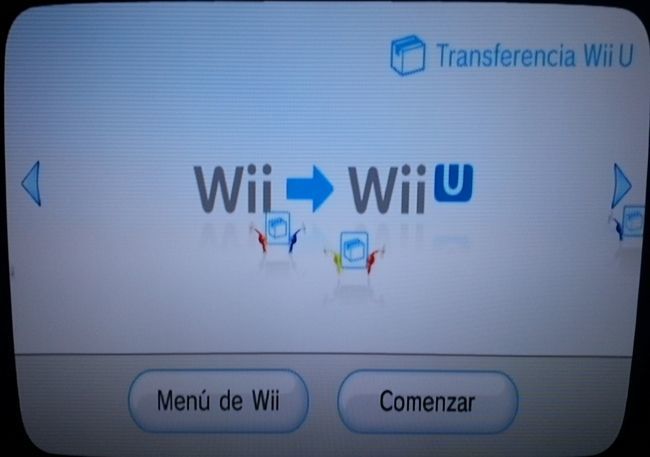
Before going to the main topic, several aspects must be made clear, it will not be:
- It will be mandatory to be connected to the Internet on both consoles
- We will need an SD or SDHC card with at least 512 MB free
- After the transfer the data will be erased from the Wii
- We will not be able to transfer data in the reverse direction, from Wii U to Wii
- All data is dumped at once, not individually
- Wii Factory Programs Are Not Transferred
- WiiConnect24 is not compatible with Wii U, as are some other programs
As we imagine that this will not dispel all your doubts, we want to add that it does not matter if the internal memory of your Wii is pecked and you have more things on your SD card (or cards), because the movement history of the Store Channel , along with our Wii Points will be transferred as well. What does this mean? That if, for example, we cannot dump everything at once, seeing our history, already from the Wii Menu of our Wii U, we can download what we lack for free.
Having clarified this, it is recommended that in the internal memory of our Wii we mainly have our saved games, since WiiWare games, like those of the Virtual Console, we can download them again. In addition, the SD card will be formatted from the Wii U.
Preparing the SD card from the newly acquired Wii U
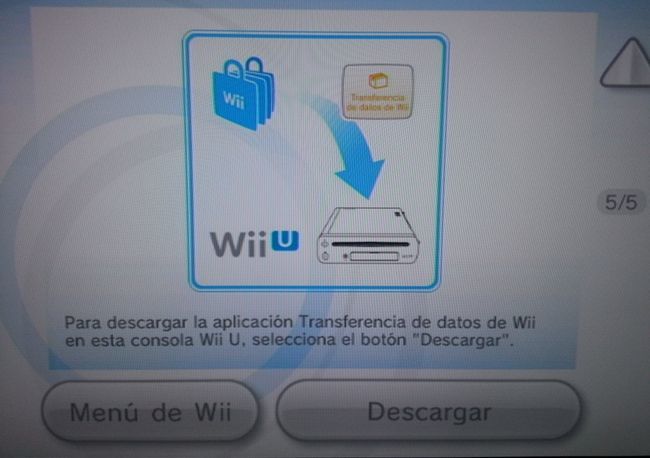
Once we have downloaded the Wii Data Transfer application from our Wii U (from the Wii Start Menu) and start the program in question, several points will be detailed to take into account that we have already anticipated, as we will be able to re-download things we already had. We must, of course, have the SD card ready, ideally with nothing inside, since when the process starts it will be formatted and adapted to the Wii U format to be able to run later on the Wii. It has no loss.
Once the simple process is done, we must start the Wii U Transfer application of our Wii that we should have previously downloaded from the Wii Shop Channel (it weighs 70 blocks and is free, of course). We remember that it will be necessary to be connected to the Internet . Well, after inserting the previously prepared SD card into the Wii U, and after the Internet verification to see if the process can be carried out, the Pikmin will enter the scene to transfer all our Wii data to the usual SD card. It will be a longer process, but bearable and friendly for these little characters.
Finalizing the data transfer to our Wii U
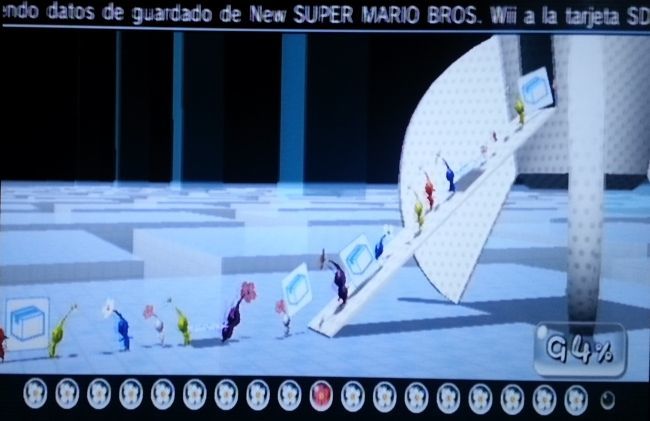
After the first process with the pikmin on our Wii, seeing that everything has been completed, we will have to remove the SD card from said console, and transfer it to the Wii U. We start the aforementioned Wii Data Transfer application again and start the final data transfer process after checking the Internet connection again and there is no impediment to doing so. The Pikmin will return to the mess, although this time the task will take longer. But nothing happens, since it will be the end of the trip.
After the process, we will be reminded again of all the data that has been dumped and what we left aside, such as programs that were not in the Wii’s internal memory and that we can download again from the Wii Store Channel from the Wii Menu Wii U. Also remember that the data on the SD card of our Wii will be deleted, and that there is no way around. We had already noticed. Everything will have now turned to our Wii U. But it was what we wanted, right? Mission accomplished.

![Just Dance 2018 llegará el 26 de octubre con 40 nuevos temas... y sí, saldrá en Wii [E3 2017]](https://cdn.padeye.news/wp-content/uploads/2021/07/14225307/1366_2000-93-218x150.jpg "Just Dance 2018 will arrive on October 26 with 40 new songs … and yes, it will come out on Wii [E3 2017]")